Locating the workflow UUID
To get the Uber workflow ID/full order ID, please follow these steps:
- Navigate to the Deliveries tab and select the order you want.
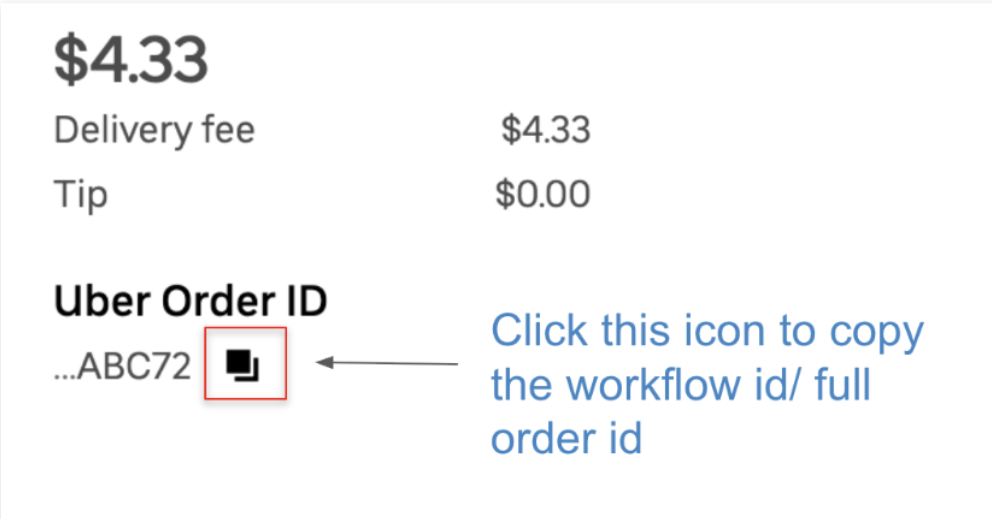
- Under the “Uber Order ID”, select the Copy icon next to it (please check the image below for reference). This will copy the 36 character workflow ID, also known as the full order ID.
How to locate the Copy icon:
For more information on Uber Direct Dashboard, please refer to this article:
Vai varam vēl kā palīdzēt?